Course Certificates
What are course certificates?
Admins can enable Course Completion certificate from course settings. This enables certification for that course.
Where can those Course Certificates be found?
Learners may find their Certificates in:
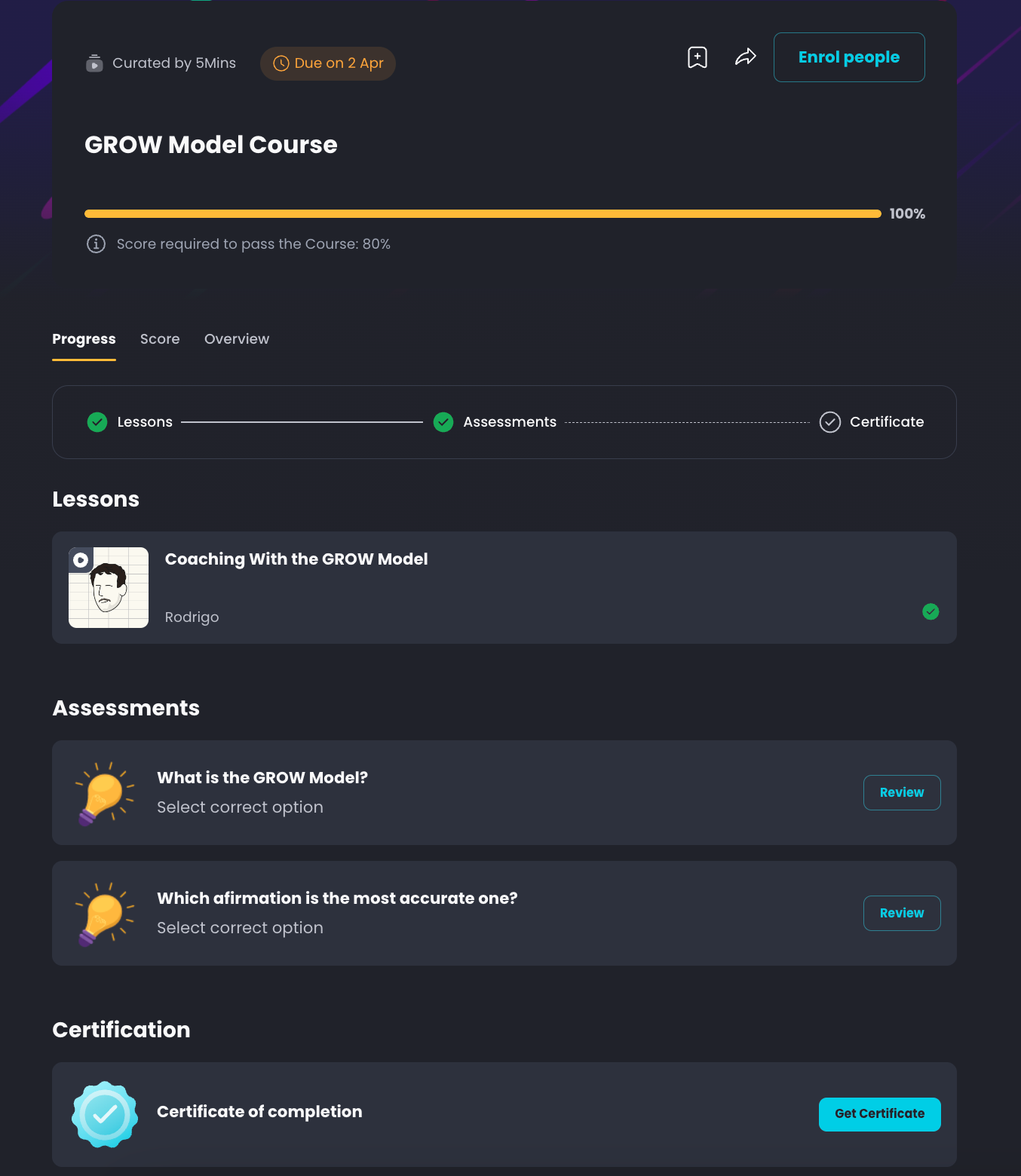
The respective course page
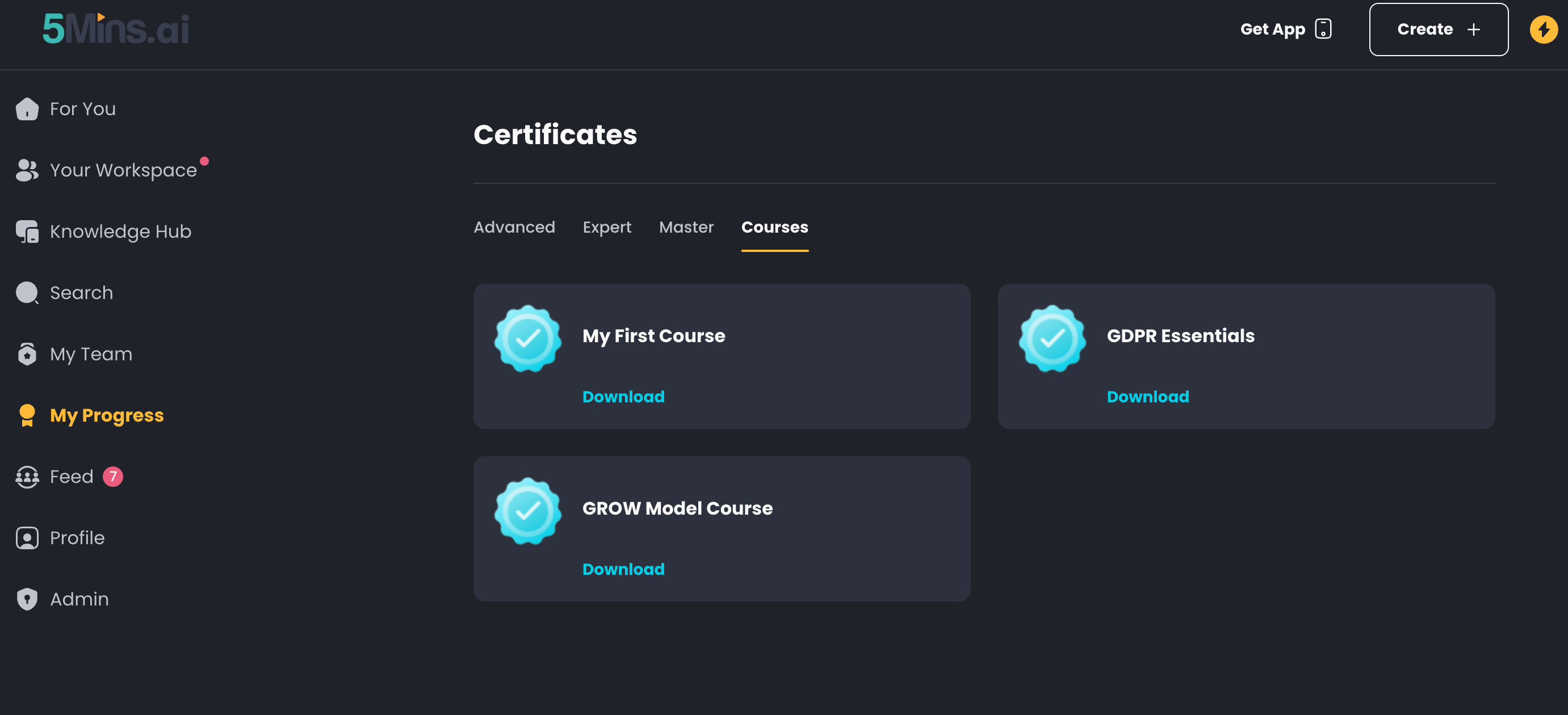
Once obtained, they also can be found on the My Progress > Certificates page
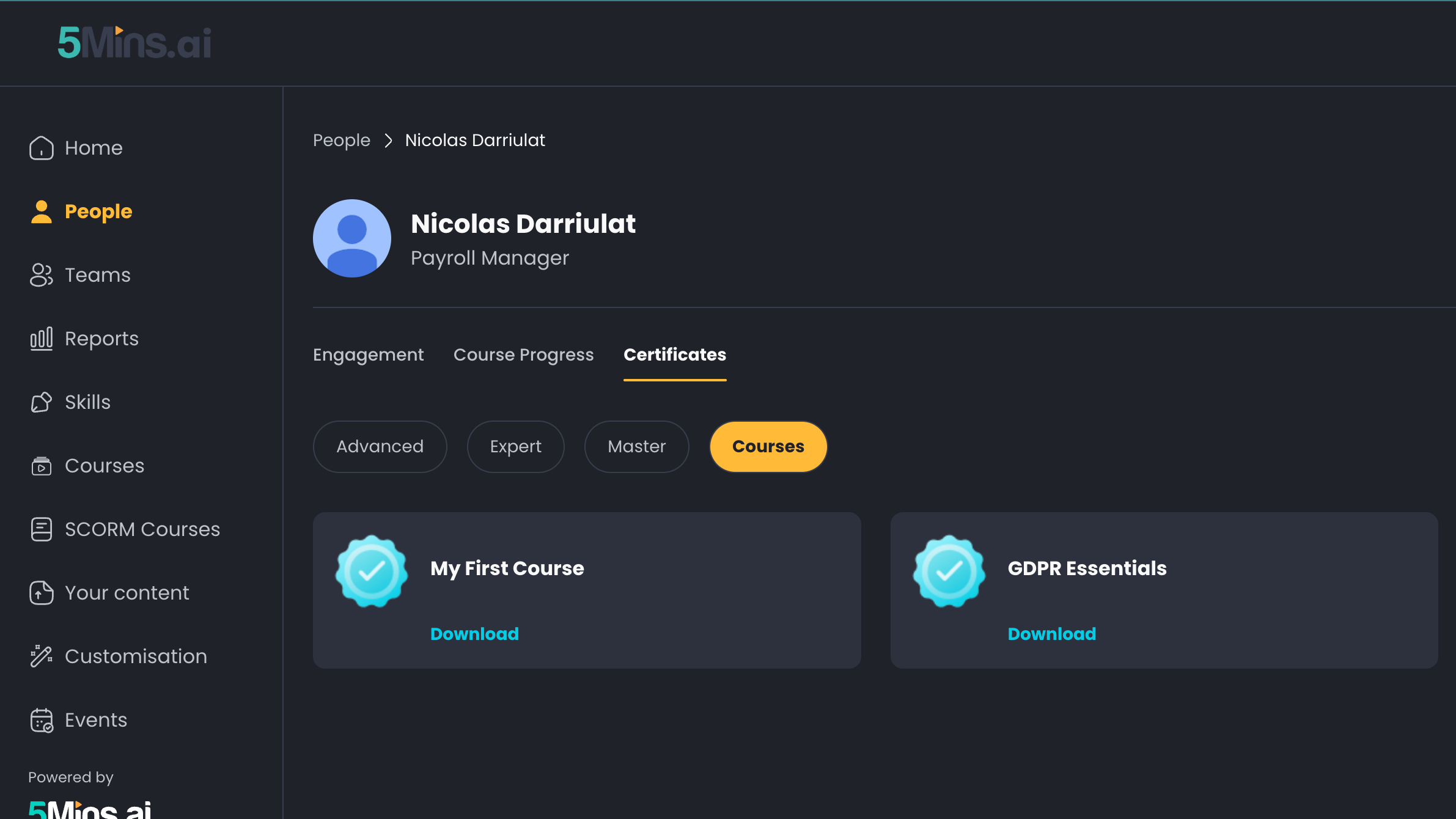
For Admins, they can find each user's certificates on the Admin > People page > [User name]
How can a learner obtain a course certificate?
For a learner to obtain a course certificate, they have to achieve 100% progress in a course
If the course has certificate enabled, users will achieve the course certificate when they achieve 100% progress
If a course has a Pass Score → learners have to achieve 100% progress as well as a Score of more than (or equal to) Pass Score
What happens if a Course does not have a Pass Score set?
If a Course has no Pass Score, learners will earn a course certificate as long as they complete 100% of the Course, regardless of their assessment scores.