PeopleHR Integration
Overview
This guide will walk you through creating an API key within PeopleHR and entering it into the linking flow.
Prerequisites
Please ensure you fulfill all the requirements to set up the integration:
You are an Administrator in your company's PeopleHR instance, or someone has shared their access with you.
You should have received a magic link from your customer success POC or from Product team
Instructions
Step 1: Generating your API key
In your PeopleHR account, click Access in the top left hand corner, and select HR Admin.
Go to Settings on the left sidebar. Select API and click the + icon
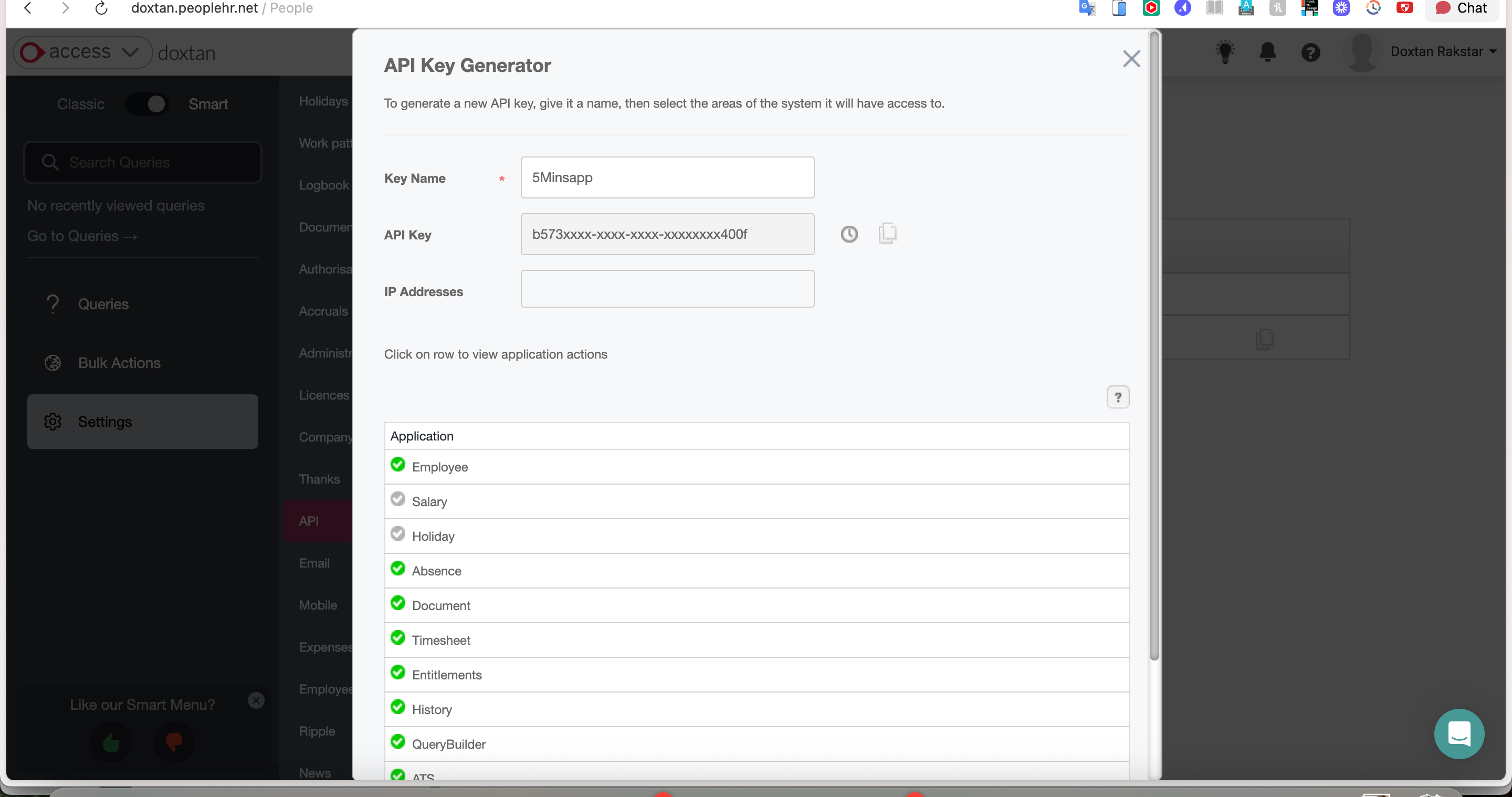
On the API Key Management screen, type in a name for the key
For the application actions, select all for Employee, Salary, Absence, and/or Holiday, depending on your use case. Below is an example of Employee.
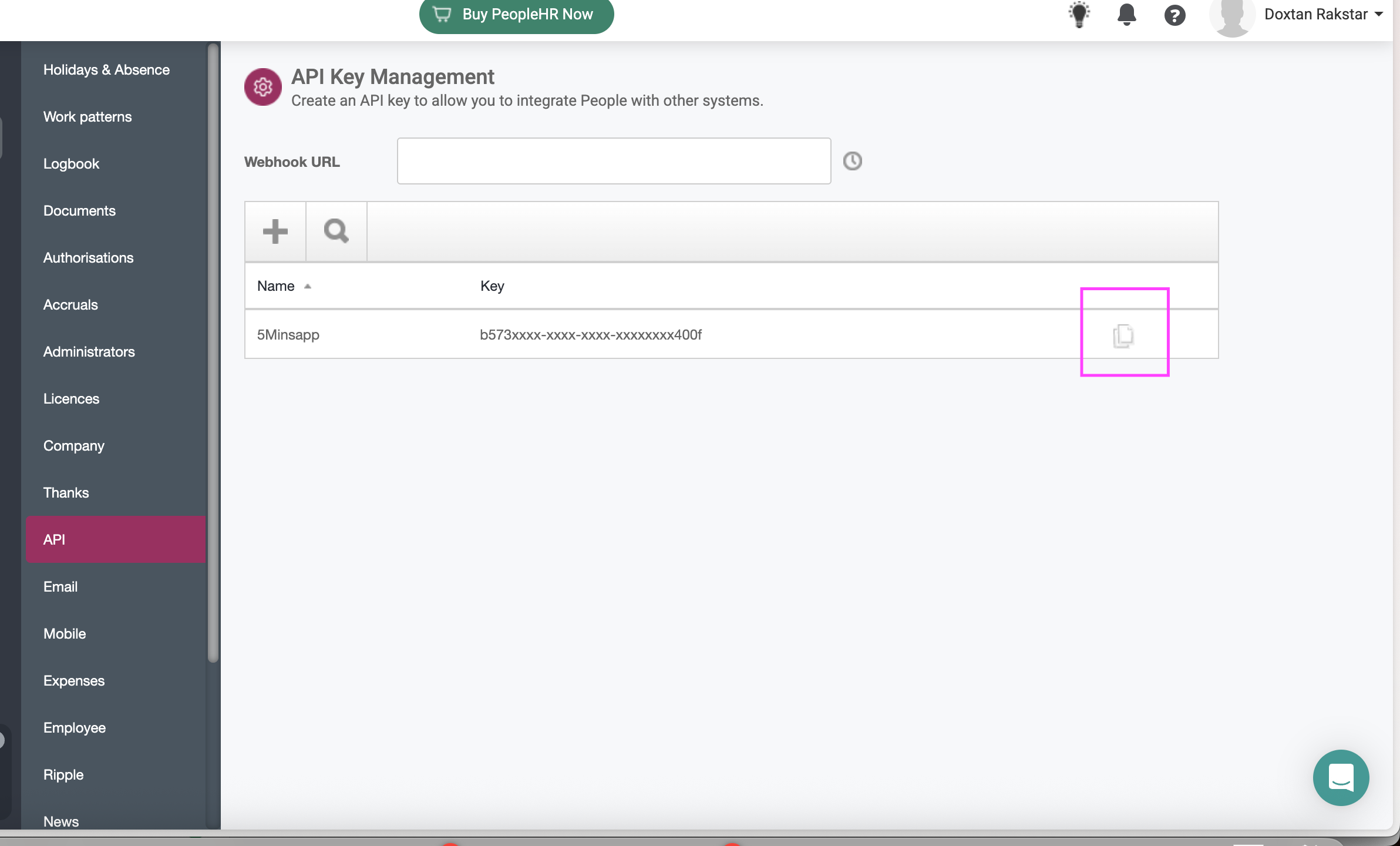
Press Save. Copy and store your Key in a safe place.
Step 2: Enter your API key in the linking flow
Click on the magic link provided by 5Mins AI
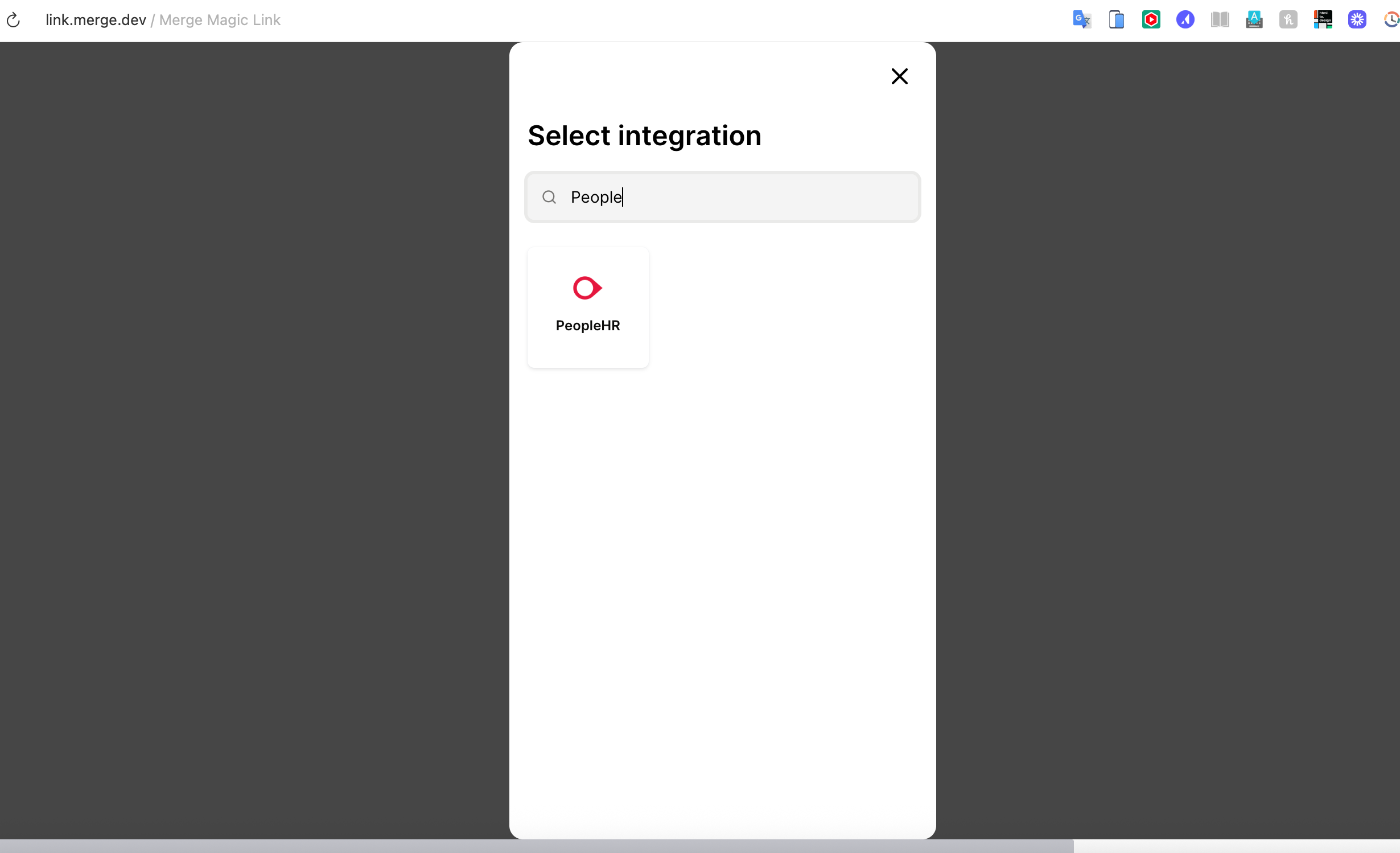
Select PeopleHR in the linking flow
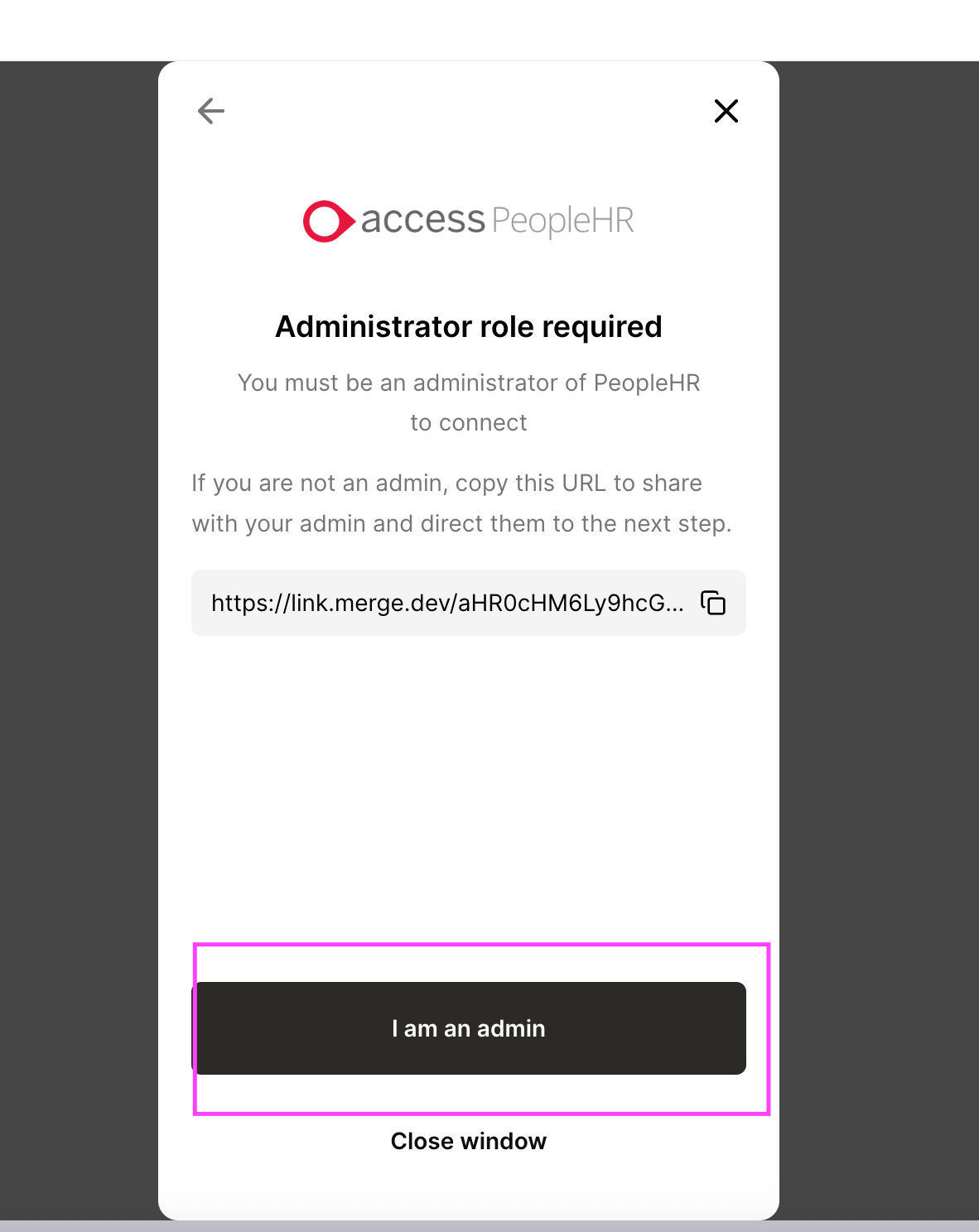
Click on I am an Admin
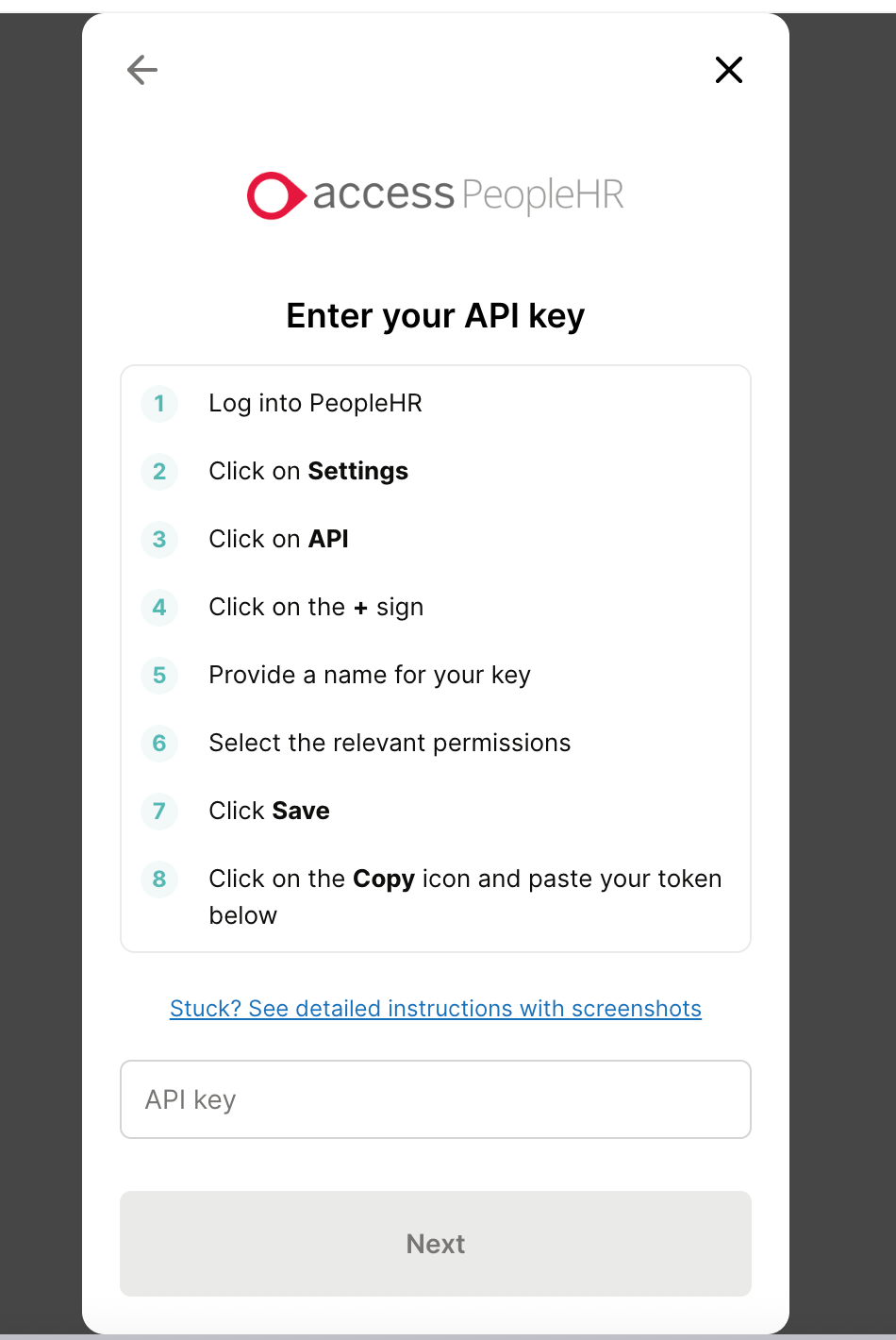
Add the API Key from Step 1 in the flow
Wait for success message
That’s it! Integration is all set