Enabling Microsoft SSO
If your organisation wants employees to use our Microsoft [Continue with Microsoft], please allow org wide access to 5Mins so that your employees can sign up / sign in with just 1 click.
Recommended Steps
Ask any Microsoft Admin to sign up on app.5mins.ai using Sign Up >> Continue with Microsoft
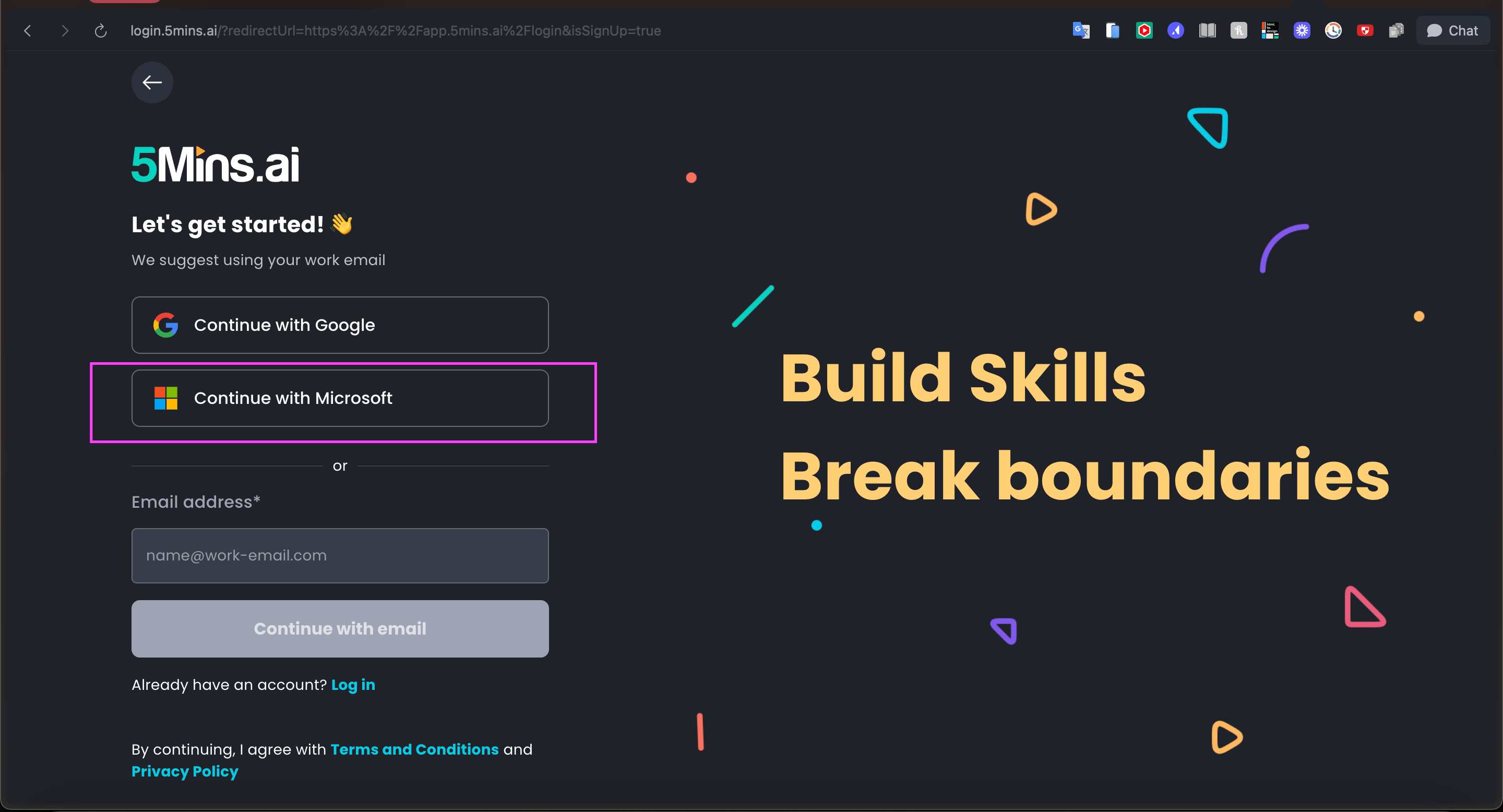
This creates their 5Mins account and enables Microsoft SSO for their organization
After sign up is complete, the MS admin must go to Entra >> Home >> Enterprise Applications and search for "5Mins"
Click on the 5Mins app, go to Permissions, and click "Grant admin consent for [organization name]"

Optionally, assign users/groups who should have access under "Users and groups"
Benefits of Using Microsoft SSO
Users sign in once with their Microsoft credentials and access 5Mins.ai without remembering another password
New users can start using 5Mins.ai immediately with their existing work credentials - no separate account creation needed
Eliminate yet another password for your team to manage, reducing support tickets and improving user experience
Manage all your SaaS applications including 5Mins.ai from one place in Microsoft Entra admin center
Here's a section you can drop into the MS Teams integration help article — written for the IT-admin audience who'll be reviewing consent.
Security & permissions (for IT administrators)
Before your organisation can use the 5Mins Microsoft Teams integration, a Microsoft 365 administrator needs to grant admin consent. This is a one-time approval that lets 5Mins deliver learning notifications into Teams. Here's exactly what's requested and why.
Application (Client) ID: 384a5af9-4ae8-4ff8-b361-f535f6ed37ba
Publisher: 5Mins · www.5mins.ai
Microsoft Graph permissions requested:
Sign-in scopes: openid, profile, email, User.Read
What 5Mins does not access: The app is notification-only — it sends reminders and course alerts in a 1:1 (personal) chat. It has no access to your email, files, chats, or directory data, and cannot post into channels or read message content. Allowed domains are restricted to *.5mins.ai.
How to grant admin consent: A Global Administrator or Cloud Application Administrator can pre-approve the app for your whole organisation by visiting:
https://login.microsoftonline.com/common/adminconsent?client_id=384a5af9-4ae8-4ff8-b361-f535f6ed37baSign in, review the permissions listed above, and select Accept. Once consent is granted, users across your tenant can receive 5Mins notifications in Teams without individual approval prompts.
Questions from your security team? Contact support@5mins.ai.