How editing a course affects learners
As an author, making changes to your course is an essential part of the learning process. It allows you to update content, add new information, or refine the learning path based on feedback or new insights. However, it's important to understand how these changes affect learners who are either in progress or have completed the course. This article will guide you through the process of publishing changes in a course and the subsequent effects on learners.
Modifying and Publishing Changes in a course
Learners completed the course already
If a learner has already completed the course and you make some modifications, then publish changes, the learner won't be required to re-take the course or review the new content.
However, if a learner chooses to revise the course, any changes you've made are visible. These appear as incomplete cards from the course navigation menu.
💡 Published changes do not affect the learner's progress once they have completed the course.
Learners still in progress
If a learner is still in progress and you add new content to the course, and then publish these changes, the learner will be required to review and complete the new content to finish the course. The system updates the course progress to reflect the new content, ensuring learners gain the most from your course.
Modifying Existing Lesson
It's important to note that the behavior described above is not applicable if you only modify an existing lesson or assessments. Changes to existing lesson / assessments do not affect the course completion status or progress for either completed or in-progress learners.
Chose to notify learners
You can also chose to notify learners who have completed the course. Please note this does not impact their progress.
How It Works
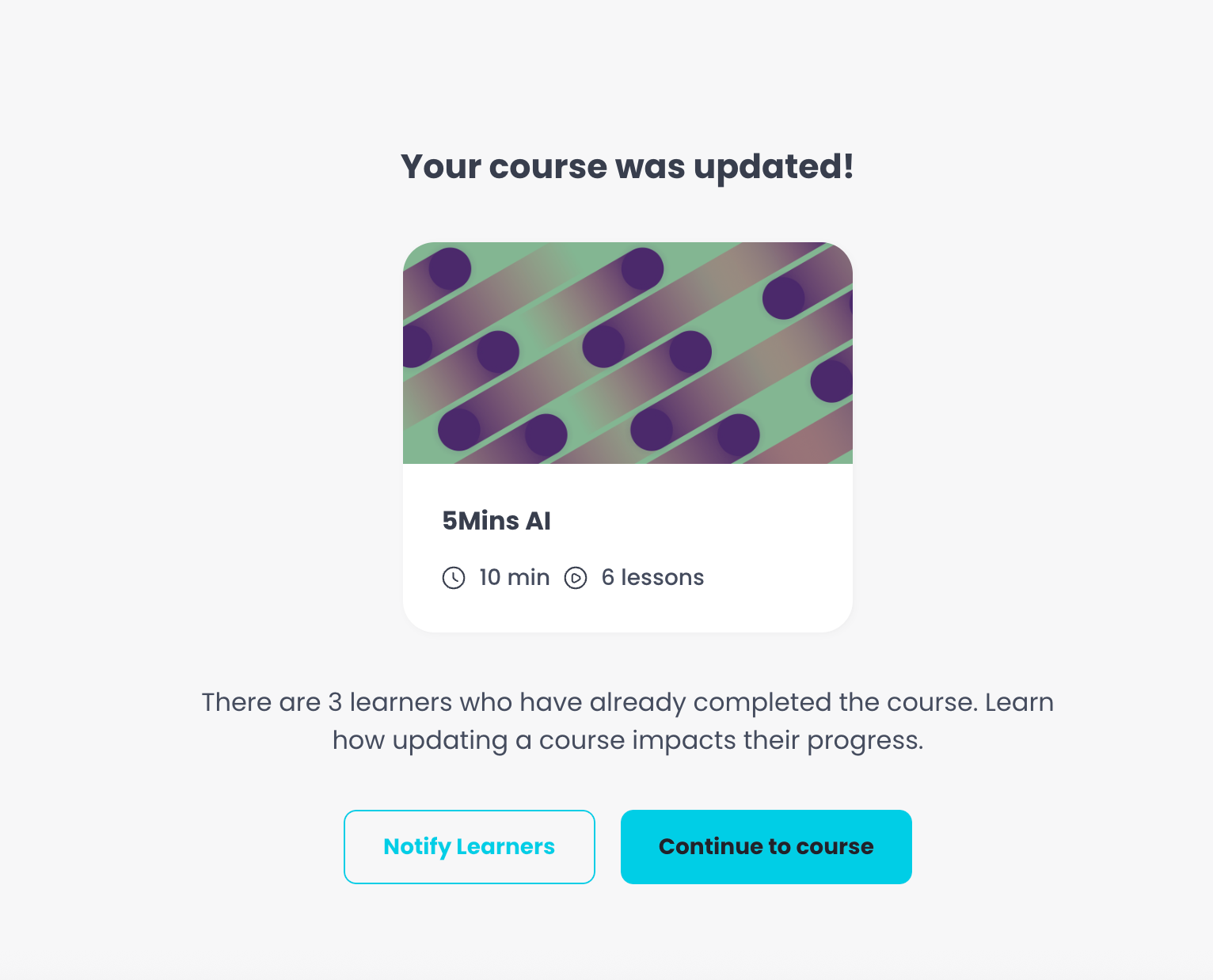
When saving changes to a Course a notification modal appears.
You can choose whether to send an email notification to learners who have already completed the Course.
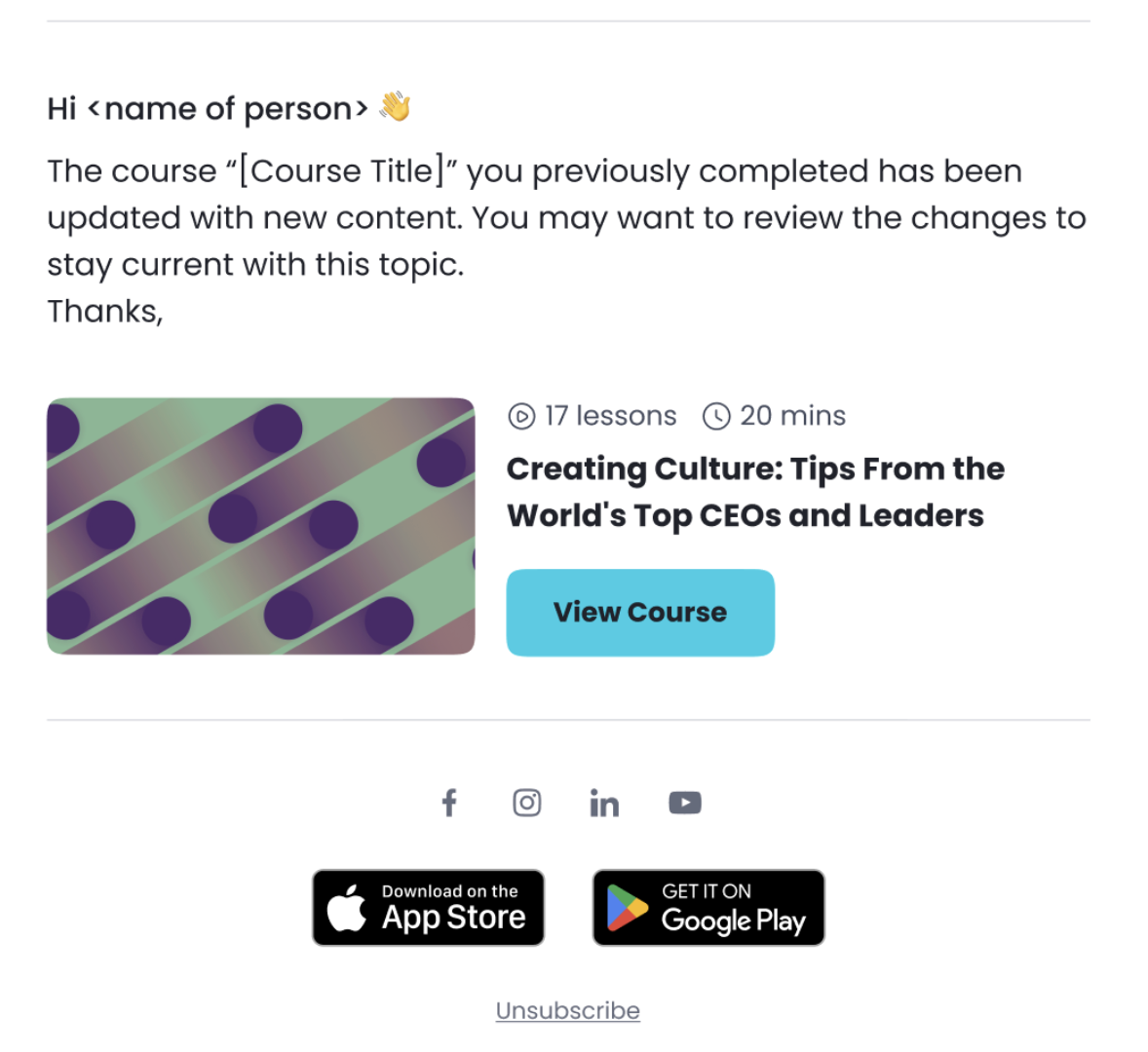
If you confirm, those learners will receive an email letting them know that new content is available.
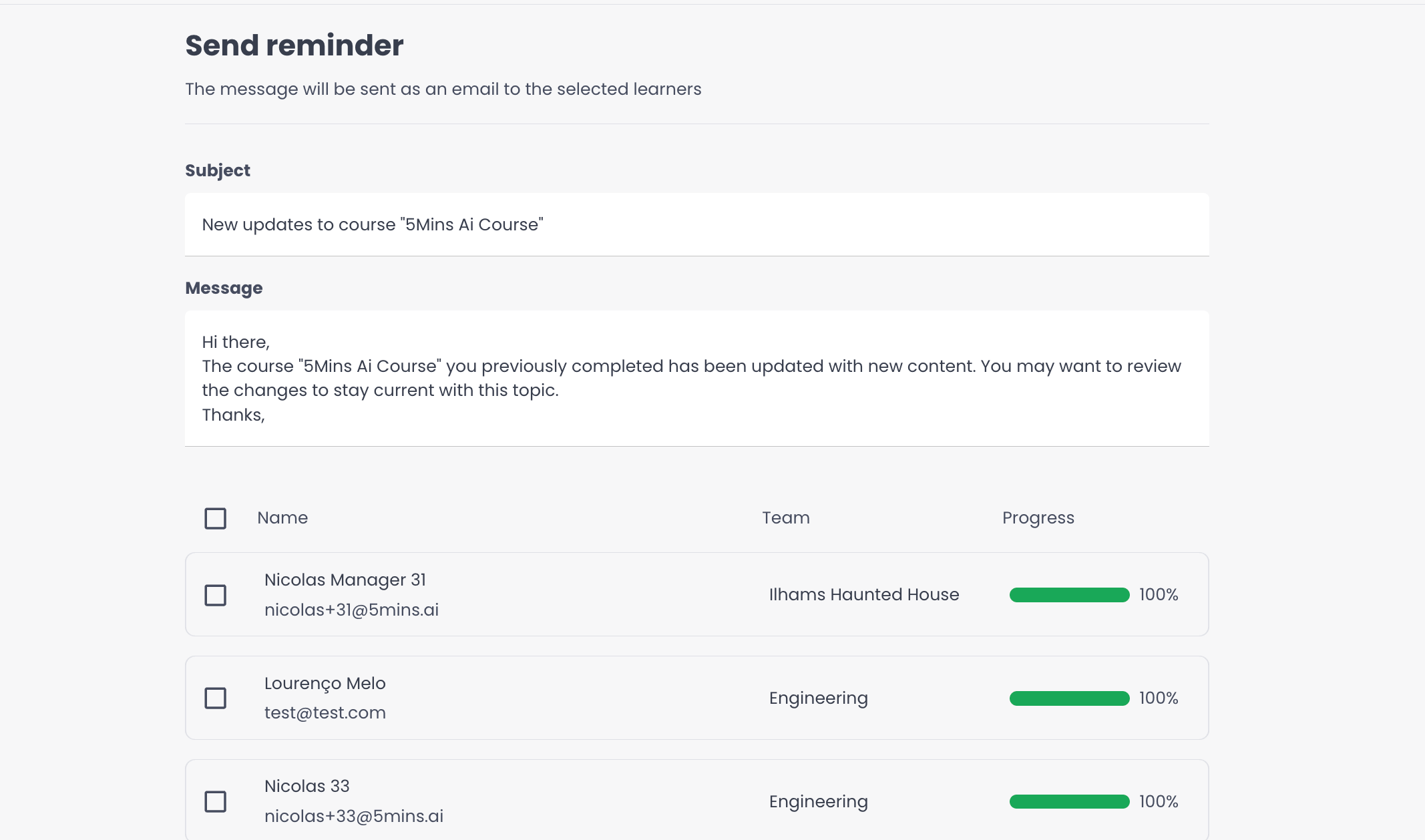
Who Gets Notified
Learners who were previously enrolled in the Course.
Learners who have already completed the Course before the update.
What Learners See
Learners receive an email with the given subject and body
The notification directs them back to the Course page, where they can access any new lessons or assessments added since their last completion.
Best Practices
Use notifications when the Course update includes new lessons, assessments, or major content changes that learners should revisit.